FluxChat is an Android client designed to give you full control over your AI interactions. Instead of being locked into a single provider, the app acts as a universal bridge, allowing you to connect to the world's leading Large Language Models (LLMs) using your own API credentials.
Universal Connectivity
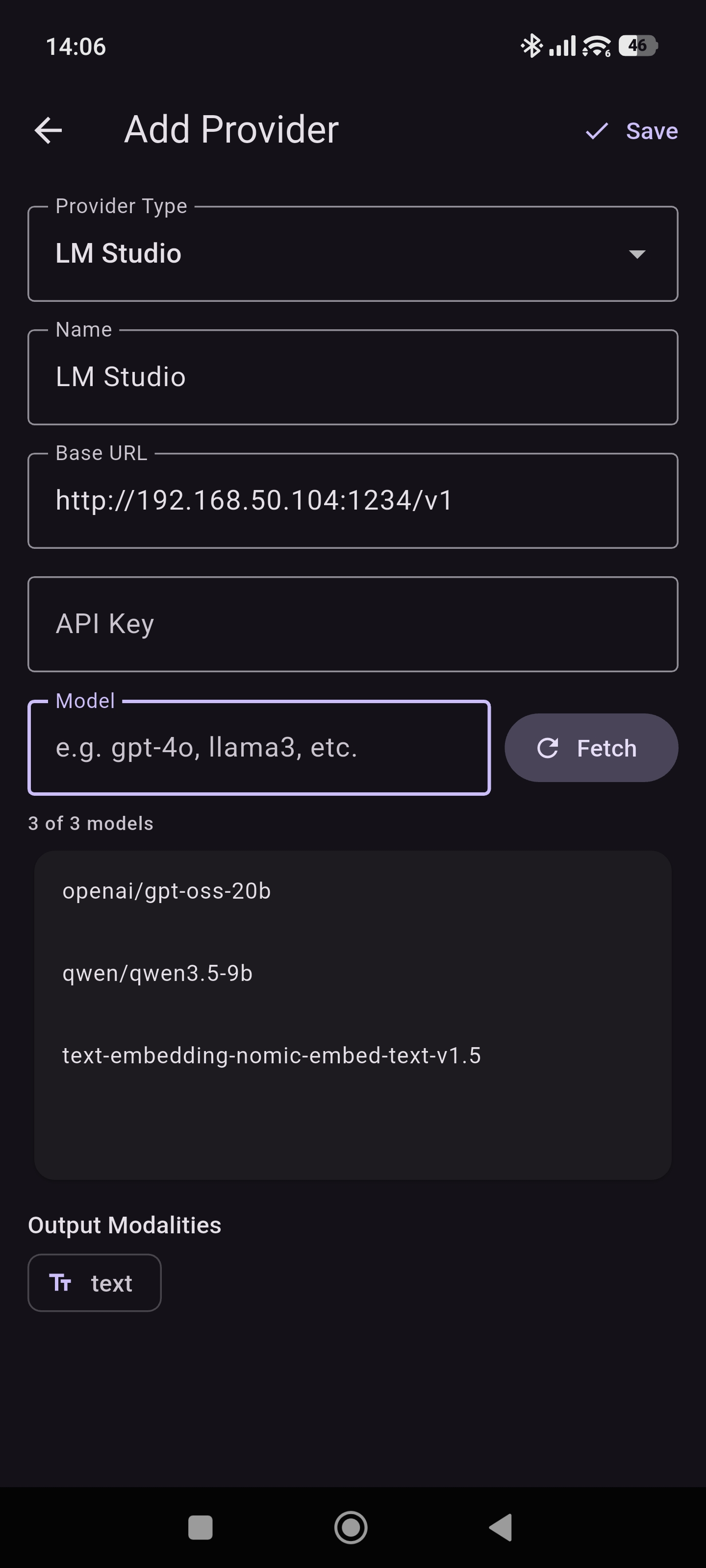
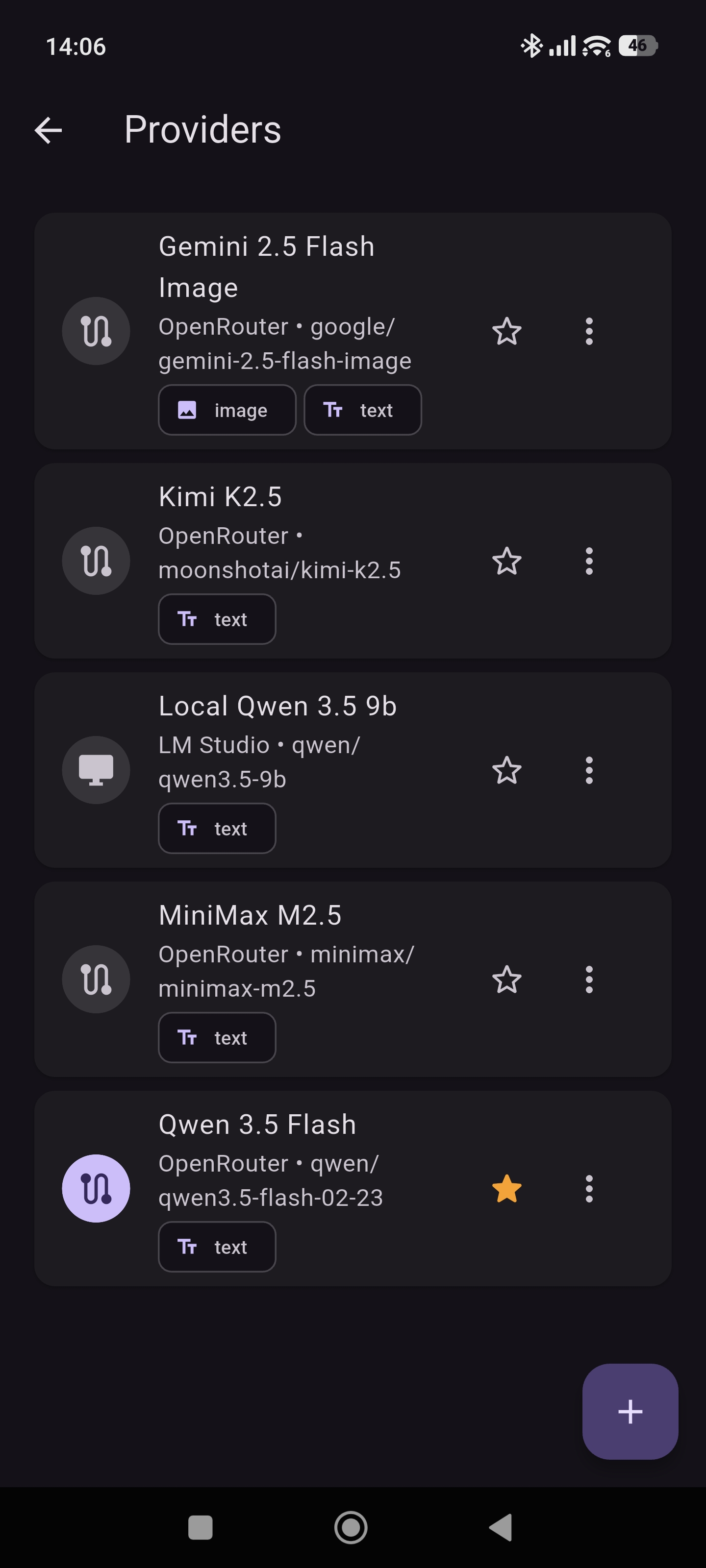
Whether you are running models locally or using cloud-based enterprise solutions, FluxChat supports a wide array of providers, including:
- Local Instances: Seamlessly connect to Ollama or LM Studio running on your home network.
- Cloud Providers: Use your own keys for Google Gemini, Azure OpenAI, and OpenRouter.
- Custom Endpoints: Support for any OpenAI-compatible API.
I originally created this app for myself to test local and remote models. I hope someone else may find it useful too.
Features
Export messages
Copy to the clipboard or export individual responses to a PDF file.
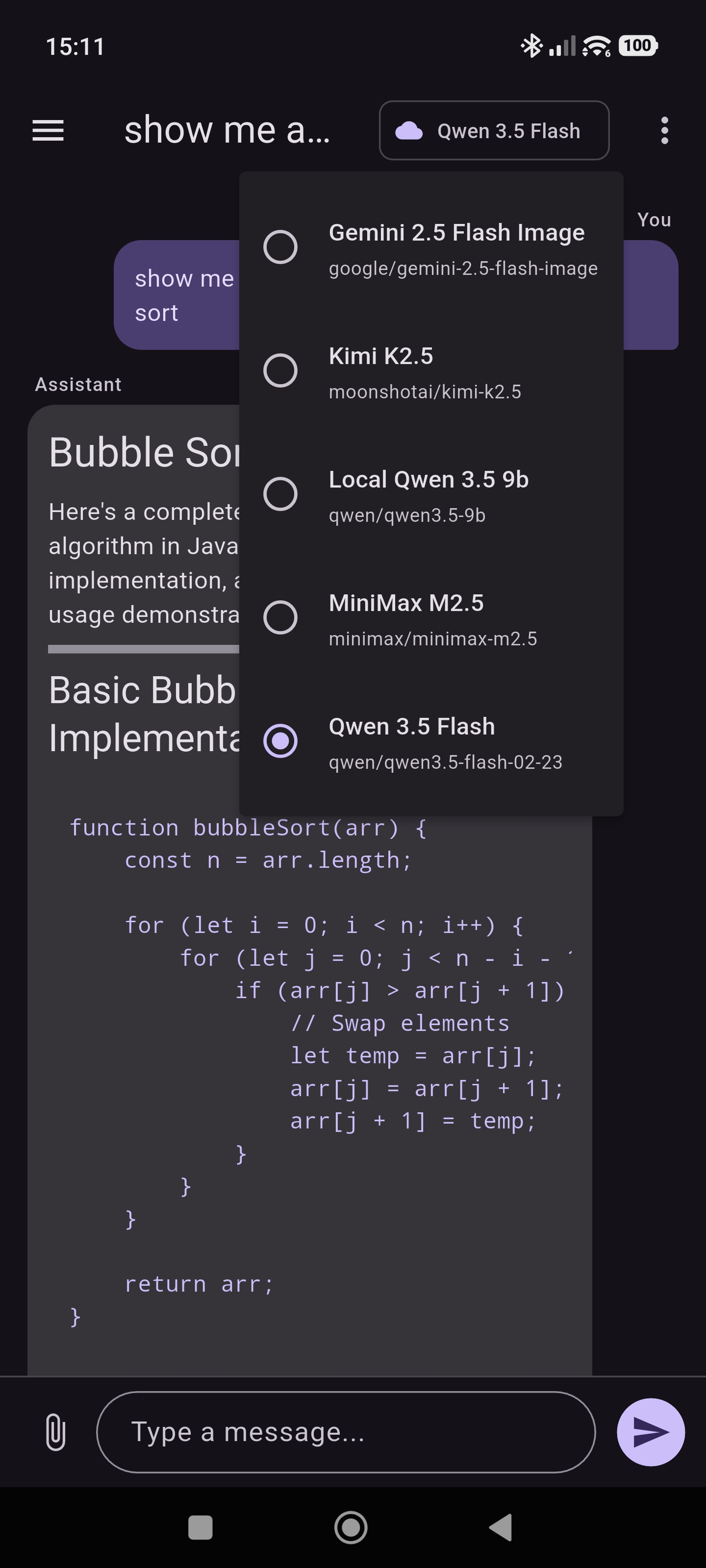
Switch providers mid-chat
Seamlessly switch between different AI providers during a conversation without losing context.
Upload and Create Images
Upload images for analysis or generate new images using AI models that support image generation.
Reasoning/Thinking
Show or hide the AI's reasoning process during a conversation.
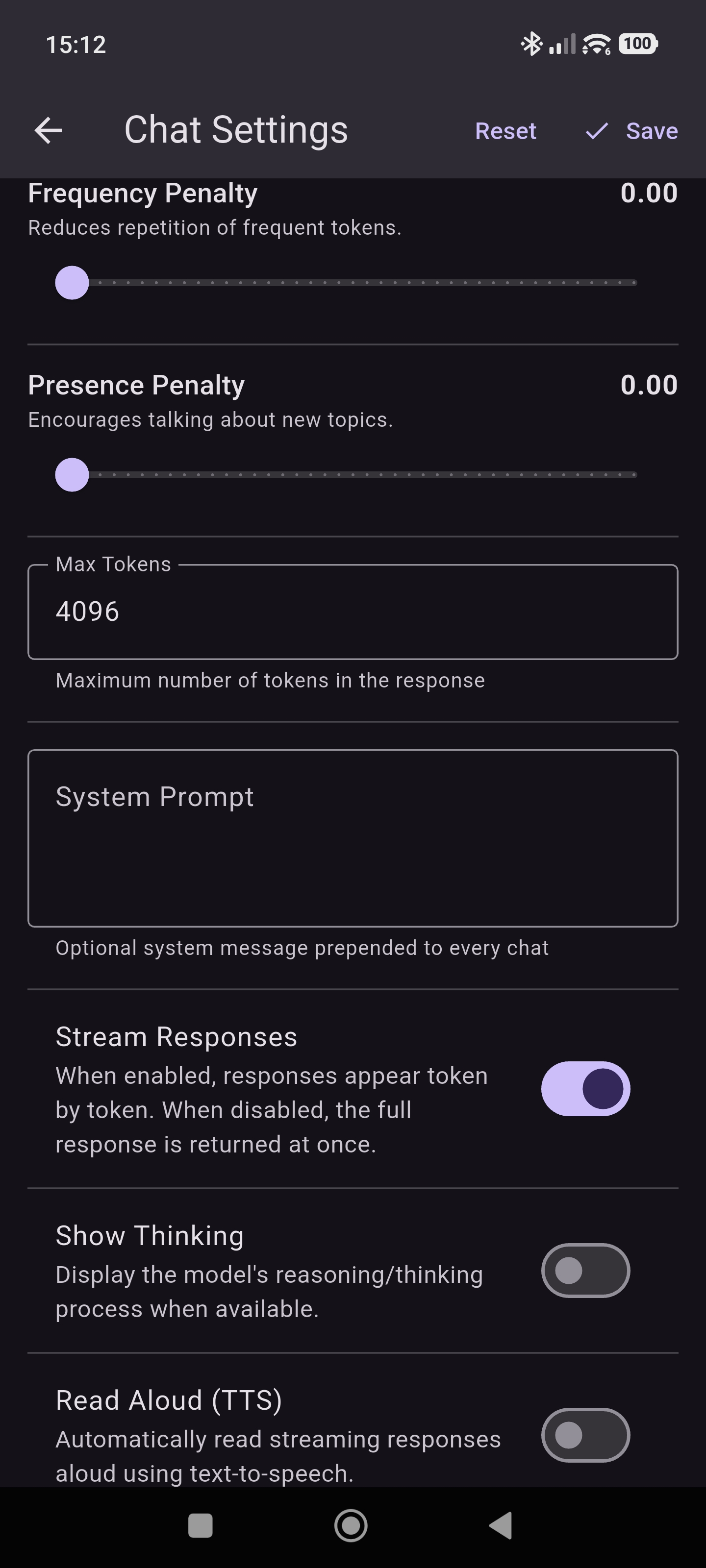
Advanced chat settings
Advanced customisation options for your chat experience such as temperature, context length, system prompts, and more.
Text-to-speech
Convert text responses into natural-sounding speech with customisable voice options.
Privacy Policy
Effective Date: April 2026
This Privacy Policy explains how FluxChat ("we," "us," or "our") handles your information when you use my Android mobile application (the "App").
I built FluxChat with a privacy-first philosophy. The App is designed to let you chat with various Large Language Models (LLMs) via your own API configurations. The App operates entirely on your device and connects directly to the providers you choose.
1. Information We Do Not Collect
I do not require you to create an account, provide an email address, or share any personal identifying information to use the App. I do not operate any servers for this App. Therefore, I do not track your usage, nor do I collect, monitor, or transmit your chat histories, API credentials, or any other personal data.
2. Local Data Storage
All data generated or required by the App is stored entirely locally on your Android device.
- Chat History: Your conversations with LLMs are saved solely on your device's local storage. You maintain complete control over this data and can delete it at any time by clearing the App's data or using in-app deletion features.
- API Credentials: The API keys required to connect to external LLM providers (such as Google, Azure, OpenRouter, etc.) are encrypted and stored locally on your device. I do not have access to your API keys.
3. Third-Party API Providers
To function, FluxChat transmits the text prompts you enter directly to the specific LLM API providers you choose to configure (e.g., Ollama, LM Studio, Google, Azure, OpenRouter).
Please note:
- When you send a prompt through the App, that data is transmitted to the third-party provider whose API key you have configured.
- I have no control over how these third-party providers use, store, or process the data you send them.
- Your interactions with these services are governed by their respective privacy policies and terms of service. I strongly recommend reviewing the privacy policies of any LLM provider you choose to connect to the App.
4. Third-Party App Store Analytics
Because the App is distributed via the Google Play Store, Google may collect standard, anonymised diagnostic and usage data (such as crash reports or download metrics) as part of the Android operating system and Google Play Services. This data collection is governed by Google’s own privacy policy.
5. Security
I take the security of your locally stored data seriously. I utilise standard Android encryption methods to secure your API credentials on your device. However, please be aware that the overall security of your data also depends on the security of your device (e.g., using a screen lock, keeping your operating system updated).
6. Changes to This Privacy Policy
I may update the Privacy Policy from time to time. I will notify you of any changes by posting the new Privacy Policy on this page and updating the "Effective Date" at the top.
7. Contact Us
If you have any questions or suggestions about the Privacy Policy, do not hesitate to contact me through google play.